Physiotherapy Session Booking: How to Manage Appointments Without a Website
Physiotherapists don't need expensive booking software. Learn how a free booking page helps you manage appointments and reduce no-shows.
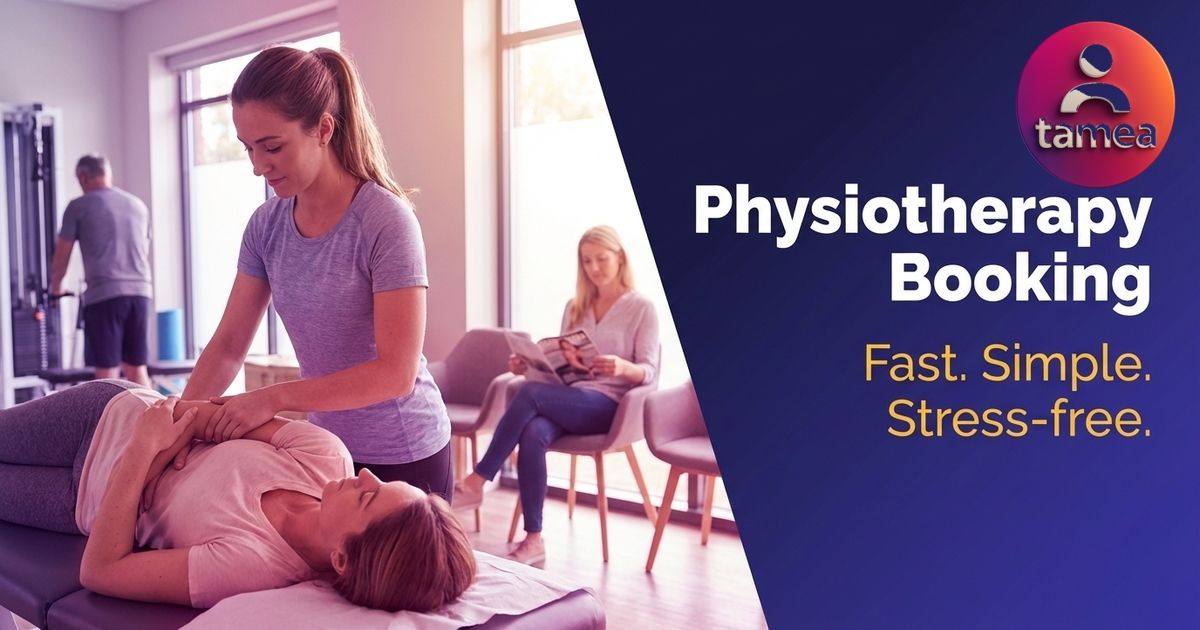
Why appointment management in physiotherapy often feels chaotic
Running a physiotherapy practice means juggling patient sessions, group exercise classes, and documentation. Finding time to manage bookings often falls to the bottom of the list. Many practices still rely on paper diaries, spreadsheets, or a messy combination of phone calls and text messages. The result: double bookings, missed calls, and patients who simply don't show up.
The issue isn't a lack of effort. It's the absence of a straightforward tool that fits into an already busy working day.
What patients actually expect when booking
Research into patient behaviour in healthcare settings consistently highlights three priorities:
- Speed: Patients want to see availability and book immediately, not send a message and wait hours for a reply.
- Simplicity: Nobody wants to create an account or download an app just to book a 45-minute session.
- Reliability: An automatic confirmation gives patients confidence that their appointment is secured.
If your booking process doesn't meet these three points, patients will gravitate toward practices that do.
A booking page instead of a full website
You don't need a complete website with an integrated booking system, a gallery of your clinic, and pages about your qualifications. What you need is a single page that does one thing: shows patients your available slots and lets them book straight away.
Here's how it works:
Step 1: Enter your available times
Open the app, select your available time slots, and your booking page goes live. No lengthy setup wizard, no account creation with a third-party booking provider.
Step 2: Share your link
Send your booking link via WhatsApp, SMS, email, or post it on Instagram. Patients open the link, see your real-time availability, and book. No download, no registration required.
Step 3: Receive bookings
Every booking appears in your calendar instantly. You get a notification. Patients receive an automatic confirmation with all the details.
Key benefits for your practice
- Fewer no-shows: Automated reminders significantly reduce missed appointments.
- No double bookings: Real-time calendar updates immediately.
- No cost: The booking page is completely free.
- No technical barriers: Everything runs from your smartphone.
- Full flexibility: Update your availability anytime, from anywhere.
How to get started today
Setting up takes less than two minutes. Download the app, create your booking page, and share the link with your first patient. The sooner you start, the sooner your appointment management becomes seamless.
Get the free app on the App Store or Google Play and start building your own booking page today.
Ready to get started? Download the app:
Get Started Free
Ready to accept bookings online? Tamea for Business gives you a free booking page in under 5 minutes. No app download required for your clients. Check Tamea's pricing – core features are free forever.